
 русский
 Français
 Español
 Deutsch
 عربى
عربى-
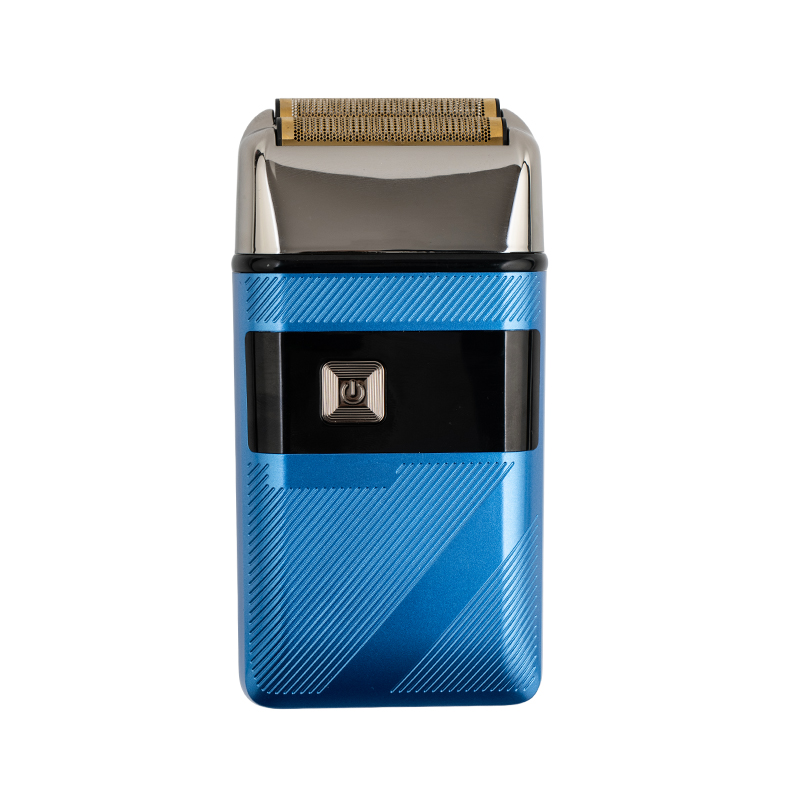 LT-858 Silent Low-Noise Reciprocating Shaver for Men
Electric Shavers
-
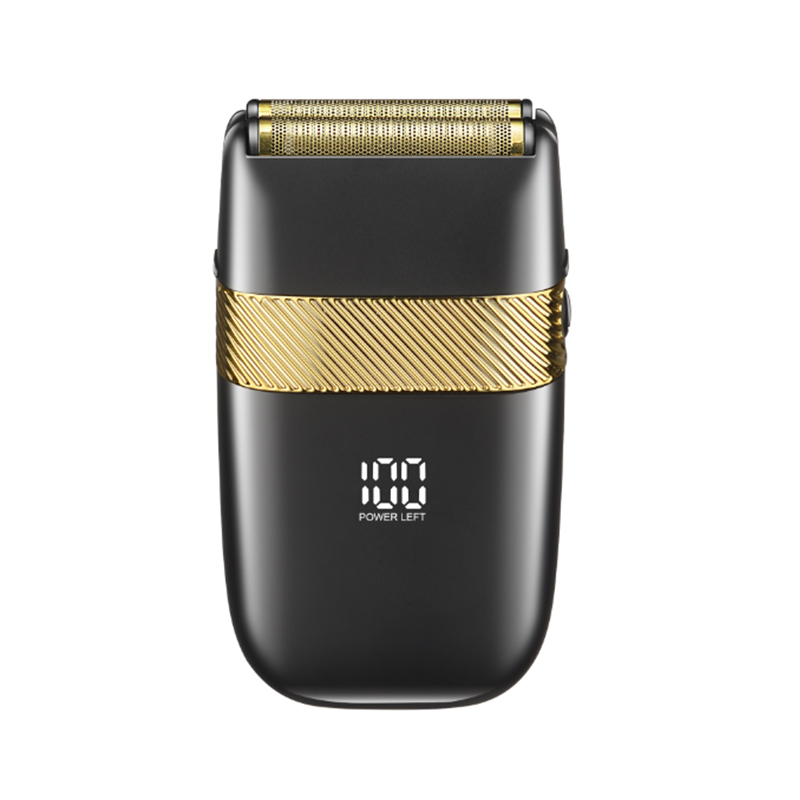 LT-865 Premium Gentleman Reciprocating Quick Charge Shaver
Electric Shavers
-
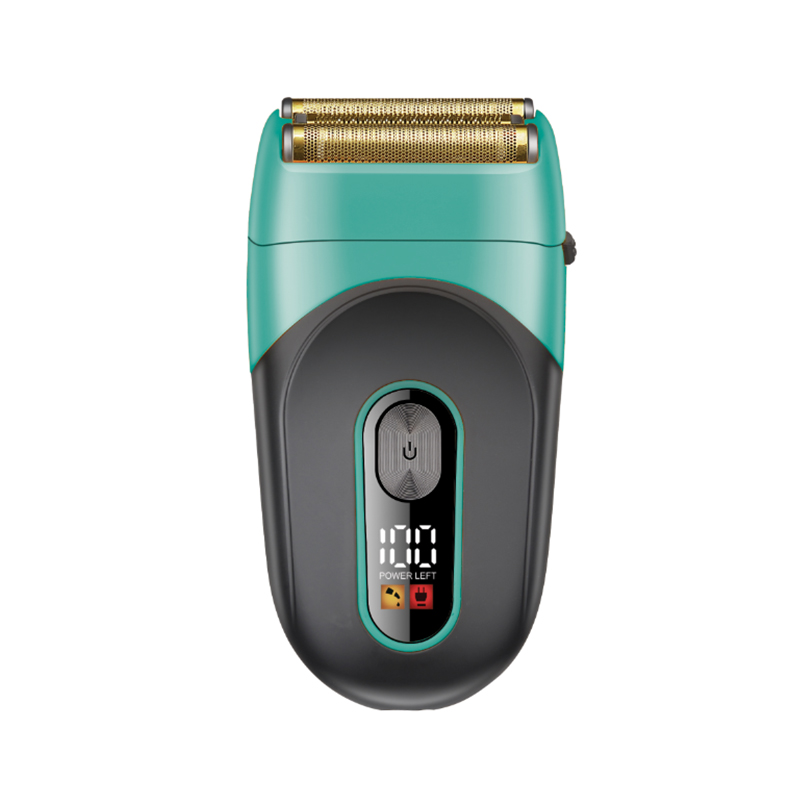 LT-863 Close-Fitting Skin-Safe Reciprocating Everyday Shaver
Electric Shavers
-
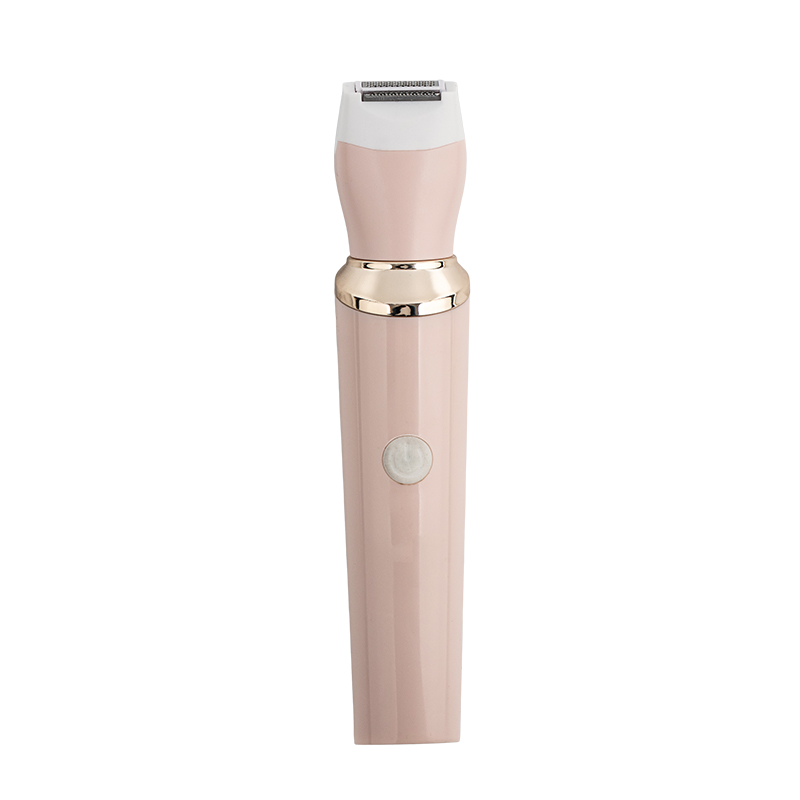 LT-618 Premium 3-in-1 Women Full Body Smooth Shaver
Nose Hair Trimmer
Shaver With LED Display
-- Steady & Reliable Manufacturer --
Overview
A shaver with an LED display turns what is normally a hidden battery level into clear, glanceable information built right into the handle, so charge status, remaining shave time, and lock or cleaning alerts are visible before the shaver ever touches the face. This page groups the models in this line that build a digital or LED panel into the body, for buyers who want more predictability from a daily shave than a single indicator light can offer.
Introduction
Most electric shavers use just one small light, if they use any feedback light at all, to signal that the battery is getting low. That single light usually turns on only once the charge is already close to critical, which means the warning often shows up mid-shave rather than beforehand, at the worst possible moment. An LED or LCD display changes that relationship. Instead of a binary "fine" or "almost dead" signal, it shows a running battery percentage, a bar graph, or a countdown in minutes that a person can check first thing in the morning, well before ever picking up the shaver to start.
On most models in this group, the display sits either on the front of the handle just below the head, or on the back where a thumb naturally rests during a shave. The information shown typically includes battery percentage or remaining runtime, a small icon that lights up while the shaver is charging, and on the more advanced units, additional icons for travel lock, so the shaver cannot switch on by accident inside a toiletry bag, and a cleaning reminder that appears after a set number of uses to prompt a rinse or a blade check.
The feature itself is not new in concept. Early cordless shavers often had nothing more than a single light that blinked red when the battery was nearly empty, giving no real sense of how much time was left. Over time, manufacturers started adding a second light, then a row of segmented LEDs that filled or emptied like a fuel gauge, and eventually a true numeric readout. Each step made the shaver a little easier to plan around, particularly for anyone who has been caught mid-shave by a sudden shutdown with one side of the face still unfinished.
There are a few different display styles used across this collection, and they behave differently in daily use. A simple LED ring around the power button is the most common and the cheapest to build reliably, usually showing three to five brightness levels that correspond to rough battery bands rather than an exact number. A segmented bar display, often built from a row of small LEDs, gives a slightly more granular read of charge level without needing a full screen. A true LCD or digital numeric display is the most precise, often showing an exact battery percentage or a countdown of days or shaves remaining, though it typically costs a little more and, on some models, can be harder to read at certain angles or in dim bathroom lighting.
The people who tend to get the most value from a display-equipped shaver are frequent travelers, who want to know at a glance whether there is enough charge for a trip without having to pack the charging cable as a backup. Households where more than one person shares the same shaver also benefit, since a clear percentage removes the guesswork of who used it last and how much charge is left. Buyers who simply prefer knowing an exact runtime rather than estimating from a blinking light make up a third, larger group, and for many of them the display is less about necessity and more about the everyday convenience of not being caught off guard.
A display becomes especially useful when it is paired with fast-charging technology. Many shavers in this group support a short top-up charge, often five to ten minutes, that is enough for a single shave in a pinch. Without a display, it is hard to know whether that quick charge actually worked or how much runtime it added. With a display, the jump in percentage or the added minutes shown on the screen confirm the charge took, which matters most on a rushed morning when there is no time to guess.
A few practical points are worth checking before choosing a model based on its display. The display window should be sealed and rated for the same wet or dry use as the rest of the shaver, since most of these units are used in the shower or rinsed under a tap, and a display that is not properly sealed is a weak point for water ingress over time. Visibility also varies: a matte display with larger numerals or wider LED segments tends to be easier to read than a glossy one, especially first thing in the morning under bathroom lighting. Finally, some displays stay lit continuously while the shaver is on, while others only light up briefly after a button press, which extends battery life over the life of the shaver but means an extra tap is needed just to check the current charge.
This page brings together the shavers that share this feature, so anyone shopping specifically for a model with a visible battery and status readout can compare them directly, rather than having to check the fine print of every product listing to find out whether a display is included at all.
It is worth noting that display accuracy is not perfectly linear across a battery's life. Like most lithium-ion powered devices, the last ten to fifteen percent of charge on the display can sometimes drain a little faster in real-world use than the first ten percent, simply due to how battery chemistry behaves near empty. This is not a defect specific to any one model, and most displays are calibrated to account for it reasonably well, but it explains why some users notice the percentage seeming to drop a bit more quickly once it passes the twenty percent mark.
From a gifting perspective, a display also adds a layer of polish that is easy to notice the moment the box is opened, which is part of why display-equipped shavers show up often in gift sets and premium product lines. A small screen or a row of glowing LED segments signals a slightly more considered, feature-complete product than a plain shaver with a single power button, even when the underlying blade technology is otherwise similar between the two.
Some of the more advanced displays in this collection also include a brightness or dimming behavior, automatically lowering the screen's intensity after a few seconds of inactivity to save power, then brightening again briefly when the power button is pressed. This is a small detail, but it affects how visible the display is at a glance versus how much it draws down the battery over repeated daily checks, and it is worth being aware of if checking the display quickly and often matters to a particular routine.
Taken together, the display is best thought of as a layer of convenience on top of a shaver that still needs to perform well on the fundamentals, cutting comfort, skin feel, and reliable battery life, rather than a feature that can substitute for those basics. The models grouped on this page are chosen because they pair a genuinely useful display with a shaver that holds up well on those core points, not because the display alone is enough to earn a spot in the collection.
If you are interested in this product, please complete the following information submitted to us, we will arrange experts to contact you as soon as possible!
Specification
| Parameter | Details |
|---|---|
| Display Type | LED Bar Graph Or LCD Digital Percentage |
| Display Indicators | Battery Level, Charging Status, Travel Lock, Cleaning Reminder |
| Blade Type | Foil Or Rotary, Self-Sharpening Stainless Steel |
| Waterproof Rating | IPX7, Display Sealed For Wet Use |
| Battery Type | Lithium-Ion, USB-C Rechargeable |
| Run Time | Up To 60 Minutes Per Full Charge |
| Quick Charge | 5 Minutes For 1 Shave (Supported Models) |
| Full Charge Time | Approx. 1.5 Hours |
| Noise Level | Under 62dB |
| Net Weight | Approx. 150-180g |
Application
- Daily Facial Shaving With Charge Tracking: Lets users check remaining battery before starting instead of finding out mid-shave.
- Frequent Travel: A visible percentage helps confirm there is enough charge for a trip without packing the cable as a backup.
- Shared Household Use: Multiple users can see exactly how much charge is left rather than guessing after someone else has used it.
- Quick Top-Up Charging: The display confirms a short charge has actually added runtime before a rushed morning shave.
- Travel Lock Monitoring: The lock icon confirms the shaver is secured and won't switch on accidentally inside a bag.
- Maintenance Reminders: A cleaning icon prompts a rinse or blade check after a set number of uses.
Advantages
- Clear battery percentage removes the guesswork of a single blinking light.
- Charging status is confirmed on screen, useful for quick top-ups before a rushed morning.
- Travel lock indicator adds peace of mind that the shaver won't switch on inside luggage.
- Cleaning reminder icon helps keep the blade performing well over time.
- Sealed display window supports the same wet-use rating as the rest of the shaver.
- Useful for households where more than one person shares the same shaver.
How To Use
- Check The Display Before Starting: Glance at the battery percentage or level to confirm there's enough charge for a full shave.
- Unlock The Shaver If Travel Lock Is On: Press and hold the power button until the lock icon disappears from the display.
- Select A Speed Setting If Available: Some displays also show the current speed level; choose one suited to hair thickness.
- Shave With Short, Even Strokes: Follow the direction of hair growth and let the head glide rather than pressing hard.
- Watch For A Low-Battery Icon: If it appears mid-shave, finish up quickly or plug in for a short top-up charge.
- Confirm Charging Status After Use: Plug in and check that the charging icon is lit before walking away.
- Lock The Shaver For Travel: Activate travel lock from the display menu before packing it in a bag.
Maintenance & Care
The display itself needs very little upkeep, but keeping it readable and keeping the shaver underneath it clean both matter for long-term performance. A quick daily rinse and an occasional deeper clean will keep both the blades and the display window in good condition.
- Daily: Rinse the head under running water and wipe the display area with a dry or slightly damp cloth.
- Weekly: Remove the foil or rotary head and clear out any trapped hair with the included brush.
- Monthly: Apply a drop of lubricating oil to the blades to keep the cutting action smooth.
- When The Cleaning Icon Appears: Give the head a more thorough rinse or clean, even if it looks fine on the surface.
- Every 12-18 Months: Replace the blade or foil set once shaving feels less smooth despite regular cleaning.
- Storage: Keep it dry and avoid direct sunlight, which can fade the display over time.
About Laituo
Laituo Electrical Appliance
Read More
Yuyao Laituo Electrical Appliance Co., Ltd. is rooted in Yuyao, known as the Hometown of Moulds. Leveraging the complete local electronic manufacturing industrial chain, the company focuses on three core product categories: hair clippers, electric shavers and body trimmers. It is a modern personal care electrical enterprise integrating R&D, production and sales. As China Shaver With LED Display Manufacturers and Shaver With LED Display Factory
the company covers an area of 1,000 square meters, with nearly 100 employees, fully automated production lines and precision testing equipment. It boasts full-process production capabilities ranging from design and development to finished product assembly.
Adhering to the philosophy of Quality as the Foundation, Technology as the Empowerment, the company keeps advancing personal grooming technology. Its Shaver With LED Display adopt core configurations such as floating cutter heads and intelligent power regulation, balancing shaving efficiency and skin comfort. All products have passed CE and RoHS certifications, establishing a solid quality guarantee system.
With independent export rights, its products are sold to more than 30 countries and regions across Europe, America, South America and beyond, winning wide recognition from global customers.
In the future, Laituo Electrical will continue to focus on demands of personal grooming scenarios. Through strict quality control and innovative R&D, it will build a more competitive product portfolio, striving to become a preferred partner in the global personal care electrical appliance industry.
CHOOSE US
Why Laituo
-
 Mature Product Platform
Based on a mature architecture, development risks are reduced.
-
 Stable Production Capacity
Standardized assembly processes ensure batch consistency.
-
 Flexible customization support
Supports customization of logo, appearance, and configuration.
-
 Workflow
From sample to mass production, each step is clearly defined and controllable.